HK$5,888Original price was: HK$5,888.HK$5,750Current price is: HK$5,750.
Out of Stock - Please contact us for order details.
【Welcome Gift】Get a $20 McDonald's coupon with your first order! Min. spend $399. Register Now
【Easter Offer】Get $20 off $500, $50 off $1000, $120 off $2000! (In-stock items only) Valid till 7/4
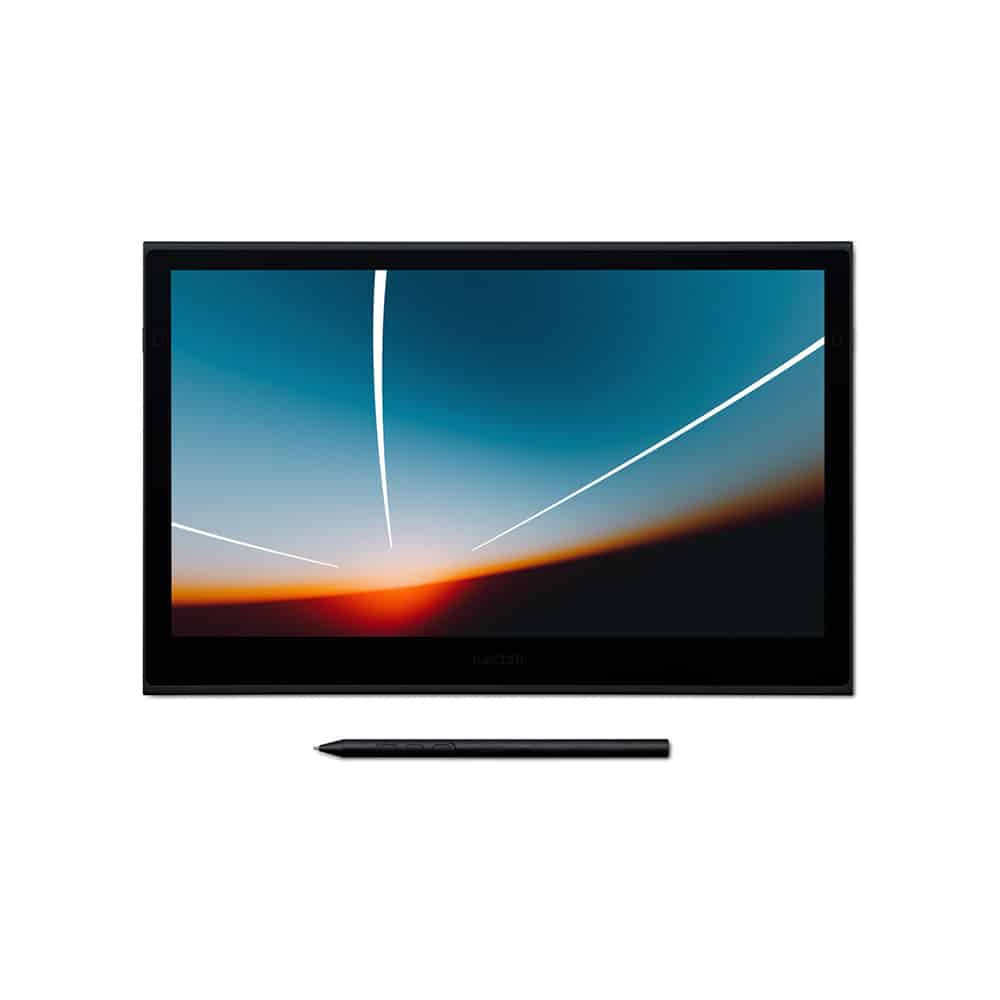
Wacom’s lightest and thinnest pen display ever
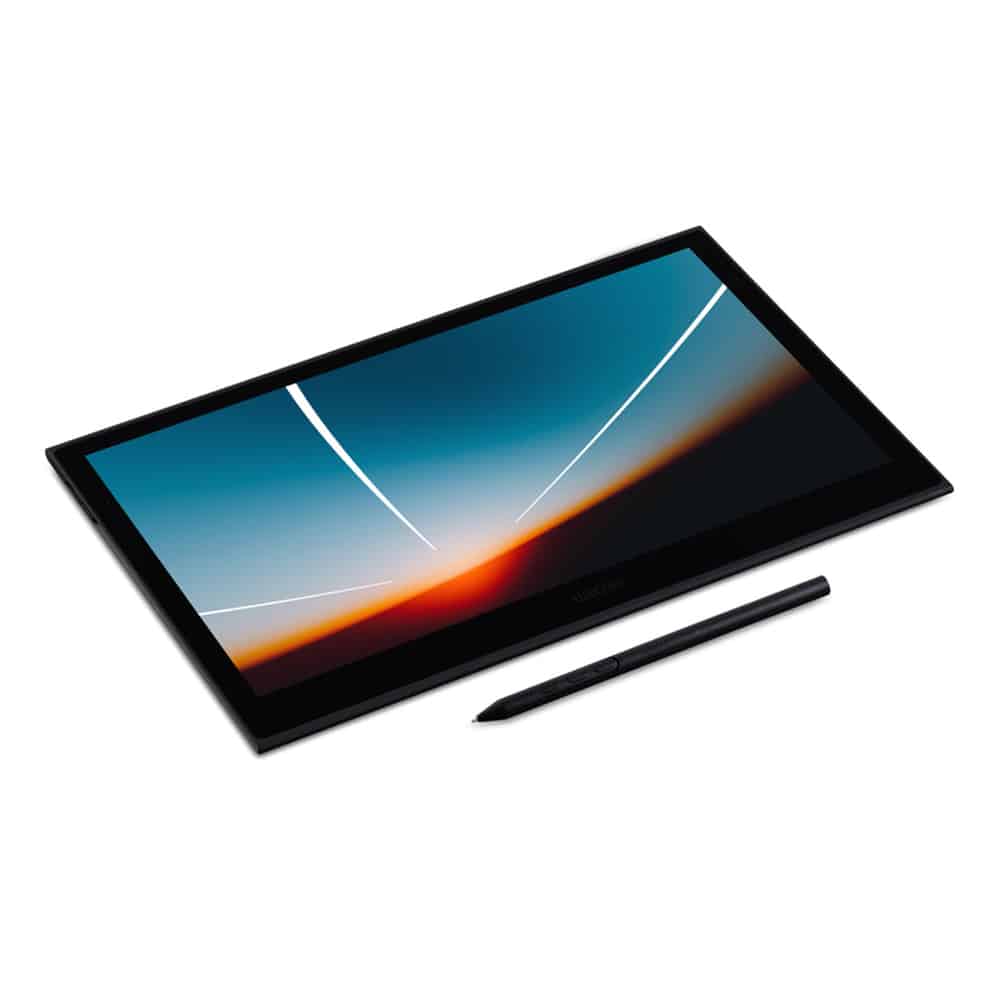
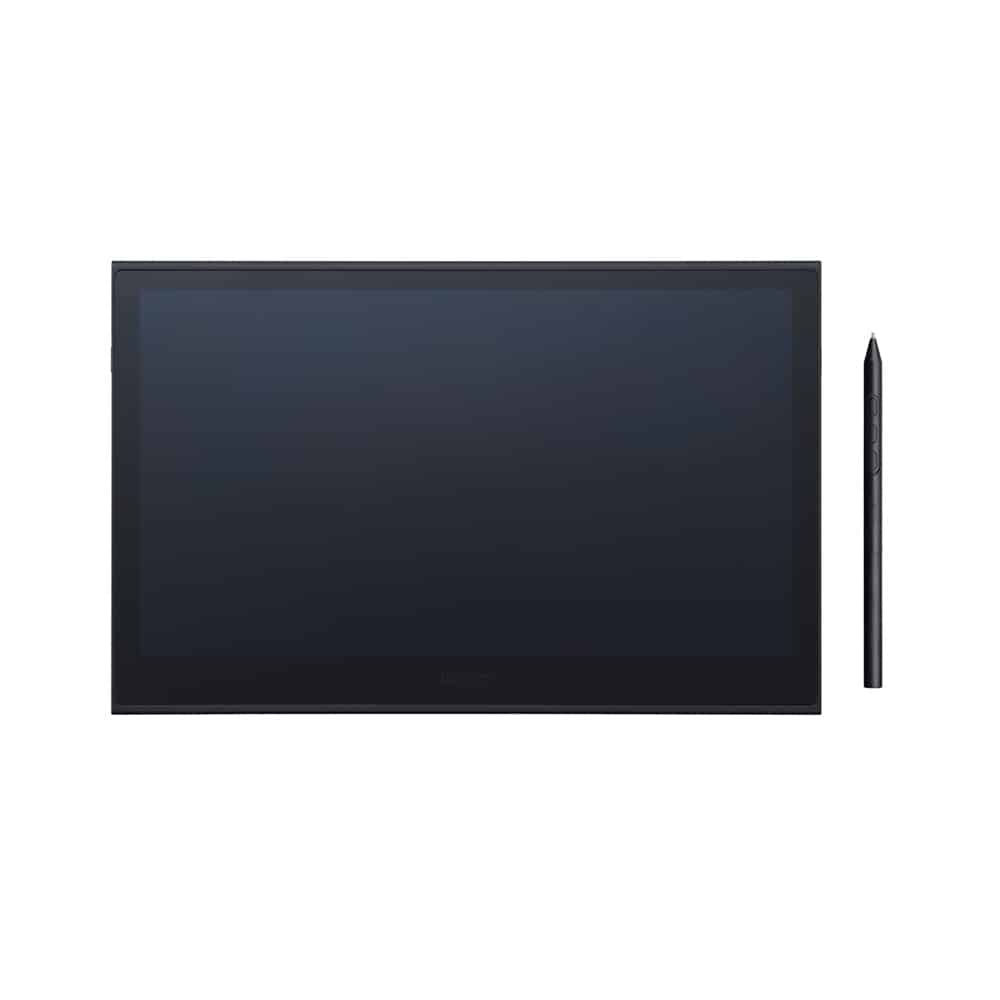
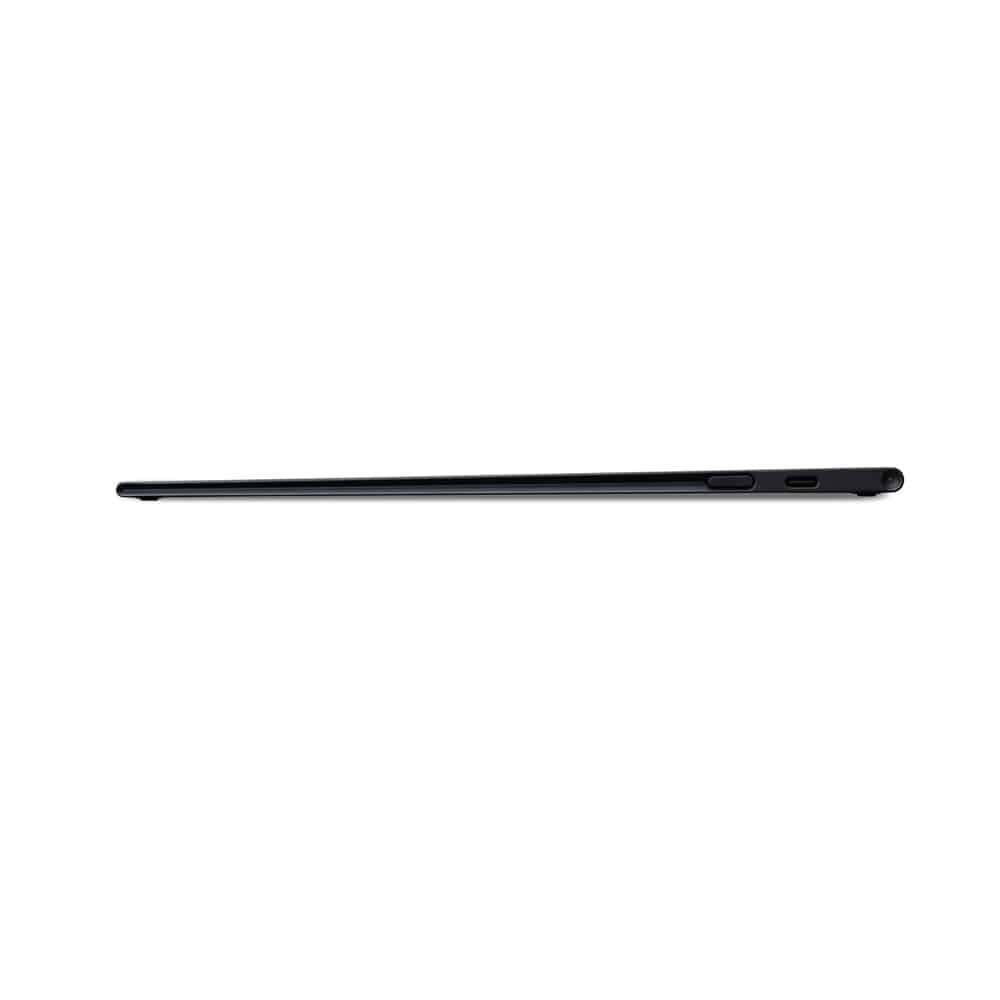
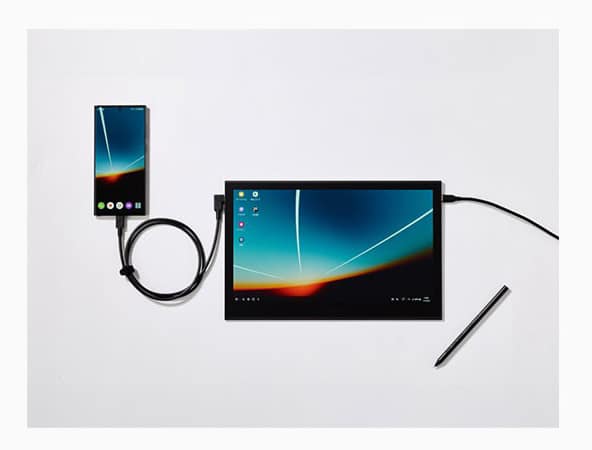
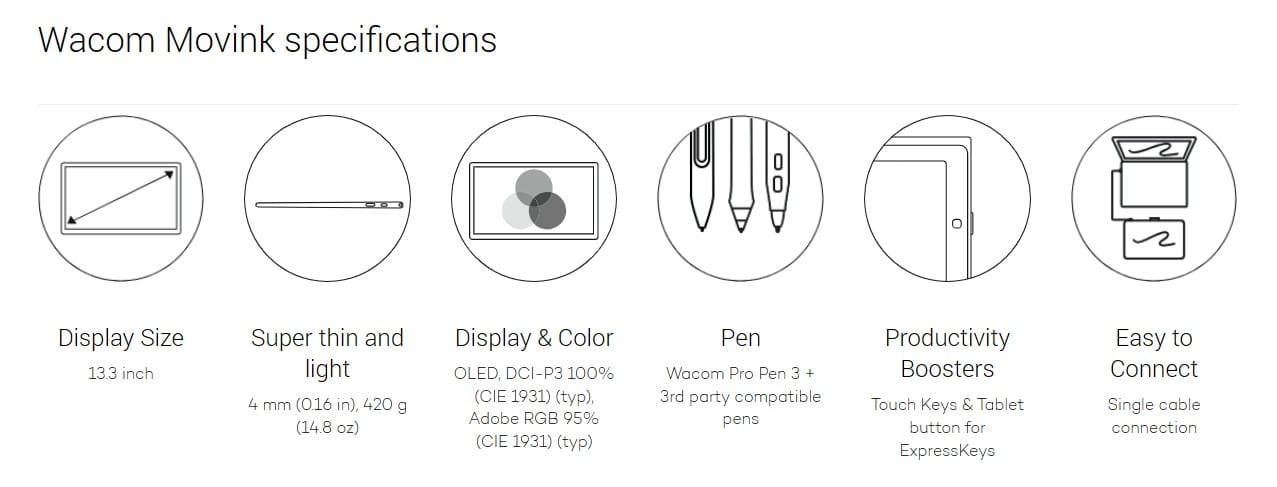
Enjoy the freedom of working wherever you feel creatively inspired with Wacom Movink, our lightest and thinnest pen display yet. As thin as 4mm* and weighing just 420g, Wacom Movink is 55% lighter than Wacom One 13 touch and 66% thinner. Connect it to your Mac or PC, and you’ll have all the processing power you need for your professional work.
*4mm is measured at the thinnest part.
Out of Stock - Please contact us for order details.
What if you could turn any place into your own studio?
Like the café you stopped by after leaving an art exhibition.
Or the library you visited to do some research.
Or the bed you plopped down on to clear your head.
Something clicks, and you seize the moment,
moving your pen across the screen before the idea gets away.
With a tool that’s always ready to go, the world is your studio.
Wacom’s lightest and thinnest pen display ever
Enjoy the freedom of working wherever you feel creatively inspired with Wacom Movink, our lightest and thinnest pen display yet. As thin as 4mm* and weighing just 420g, Wacom Movink is 55% lighter than Wacom One 13 touch and 66% thinner. Connect it to your Mac or PC, and you’ll have all the processing power you need for your professional work.
*4mm is measured at the thinnest part.
Deeper blacks and a wider spectrum of colors, courtesy of Wacom’s first OLED display
Both Pantone® Validated™ and Pantone® SkinTone™ Validated, Movink’s 13.3″ full HD Samsung OLED display produces a wider spectrum of more vivid, higher-definition colors than past displays. With a vastly improved contrast ratio of 100,000:1, its much deeper blacks more accurately reflect your artistic vision. Featuring our slimmest bezel yet, Movink provides a compact yet formidable workstation for creativity.
An exceptional drawing experience
An anti-glare screen allows you to work without distraction and with near-zero latency. The screen also offers powerful protection against color distortion, even under strong pen pressure, encouraging artists to be bold and dynamic with their work.
Featuring high-performance touch technology and touch function keys
Wacom Movink incorporates advanced touch technology that allows for smooth, intuitive input. Customizable touch keys in the top corners of the screen let you assign shortcuts that will increase efficiency.
A professional tool that works like a dream
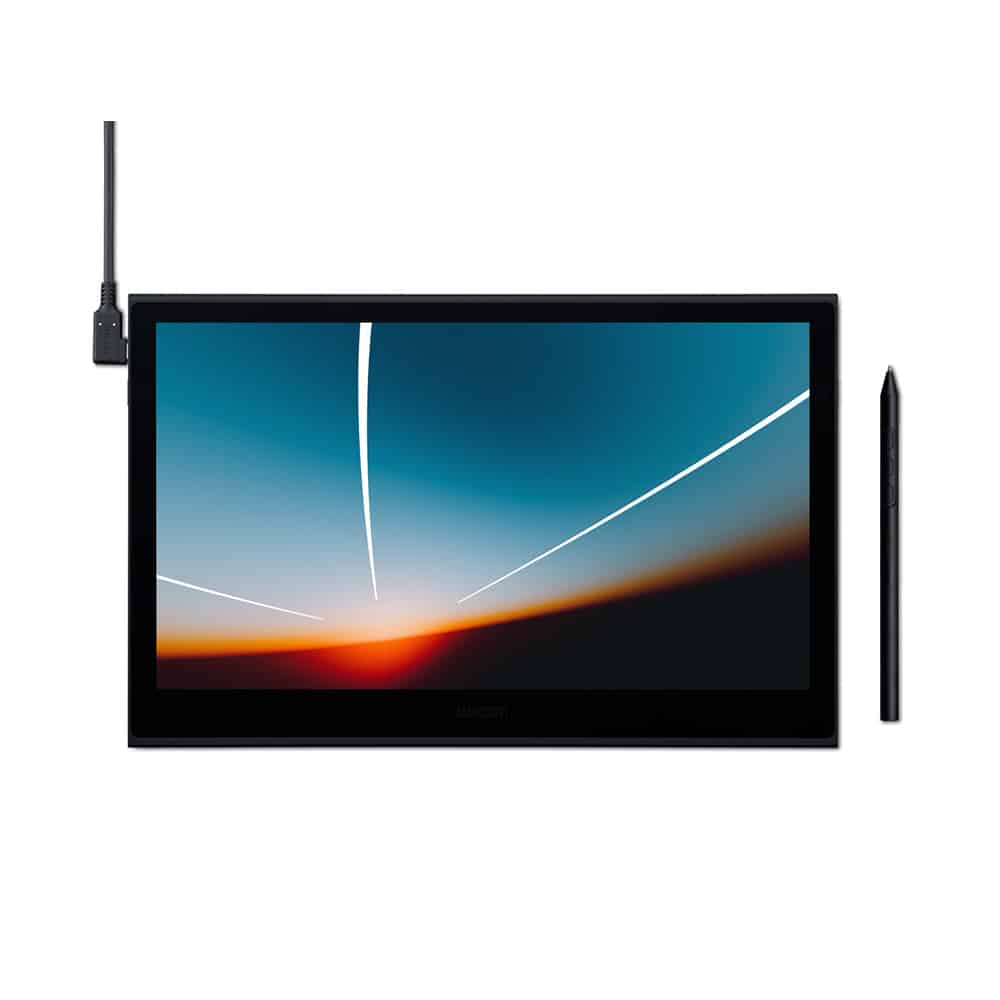
Quality-of-life features include a sturdy yet flexible USB-C to USB-C cable with an L-shaped jack for seamless connectivity, as well as customizable buttons on both sides of the tablet. These buttons can be toggled between functions, such as turning touch functions on and off, or as ExpressKey™ shortcuts, so you can reduce clutter and tailor Wacom Movink to your professional workflow.
Specially designed Wacom Pro Pen 3, enhanced for Wacom Movink
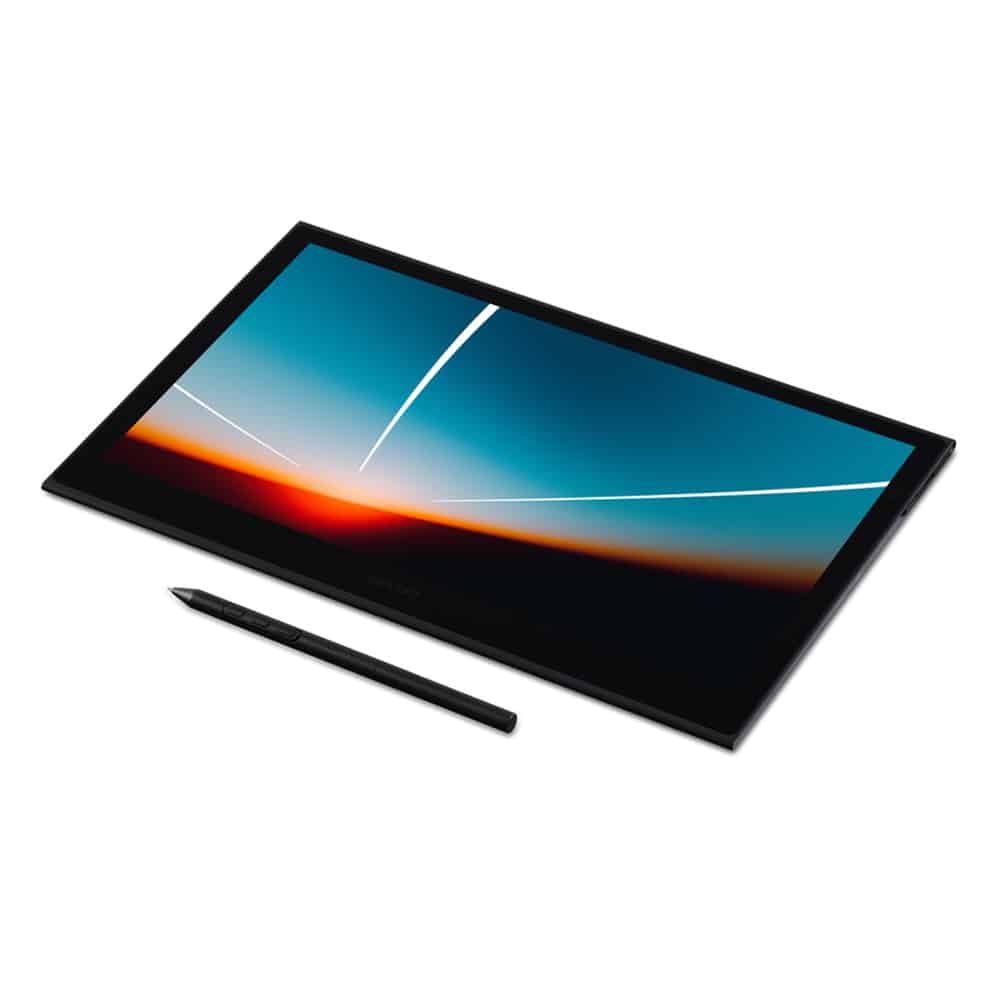
Wacom Movink is compatible with Wacom Pro Pen 3. Offering impressive pen sensitivity and tilt detection, our latest pen lets you create everything from powerful brushstrokes to delicate lines just as you envision them. It has a narrower yet more visible nib, and is composed of interchangeable parts so you can customize it the way you want: change the grip thickness, adjust its center of gravity, or add and remove side switches. Pro Pen 3 brings you closer than ever to the pen-on-paper experience.
**Please note that utilizing customizable parts of the Wacom Pro Pen 3 requires owning or purchasing a Wacom Pro Pen 3 separately.
The Wacom Pro Pen 3 packaged with Wacom Movink is an exclusive model with a nib holder that also functions as a nib remover. Nib emergencies will never be a problem again, even when you’re on the go.
Works with your favorite pen and preferred operating system
Wacom Movink is Wacom’s first professional creative pen display to incorporate Dual Pen Technology, meaning it works with the digital tool of your choice – whether Wacom Pro Pen 3, another professional Wacom tool like Wacom Pro Pen 2, or a stylus made with universal digital pen technology from brands such as Dr. Grip Digital for Wacom, LAMY, or STAEDTLER.
Wacom Movink can be connected to nearly any device with a USB-C port to expand the creative options for your professional work. And it’s compatible with Windows, macOS, ChromeOS, and Android operating systems.
A USB Type-C port supporting DisplayPort Alternate Mode or a Thunderbolt 3 / 4 port is required to connect to your PC or smartphone.
Accessories you can take anywhere to give yourself more creative freedom
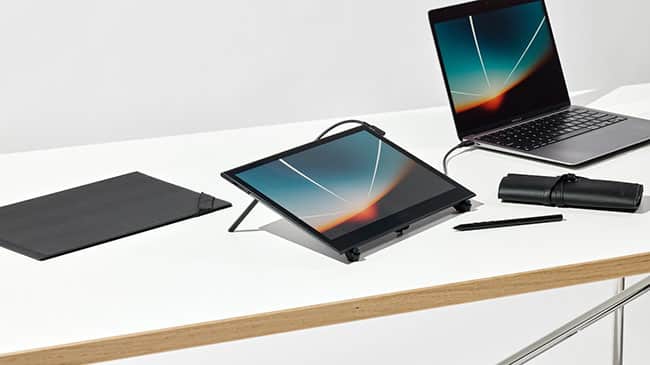
The accessories for Wacom Movink are designed to be easy to carry and use, from the Wacom Movink Tablet Sleeve to the Wacom Foldable Stand (both sold separately). For even more convenience, both items are included in an all-in-one accessory package, along with the Wacom Rollup Case (not available individually) for storing your Wacom Pro Pen 3.
Get complimentary software offers with every Wacom Movink*.
*To get your complimentary software, you need to sign-in or create a Wacom ID with your personal data and register your Wacom Movink.
Clip Studio Paint EX
The premier painting tool – ideal for any way you express your creativity, be it through illustration, comic, webtoon, or animation. Draw out your infinite creative potential with a wealth of features to help you get the most out of your process in a true-to-life painting experience. Hone your skills on the Wacom device, with up to 6 free months of Clip Studio Paint EX.
*To begin up to 6-month complimentary trial of Clip Studio Paint EX, registration with Celsys is required. Terms and conditions apply.
Capture One
Work less and create more with a full suite of editing features and AI tools that take care of time-consuming tasks with 3 months* of Capture One and your Wacom device. Fast tethered shooting right into your computer. Seamless collaboration with teams and clients no matter where they are in the world. Expertly-designed presets for instant looks. Plus, mind-blowing colors and image quality. All made to work the way you want, alongside your Wacom device.
*To begin using Capture One, registration with Capture One and a software subscription with long-term fees according to Capture One’s terms of sale is required. For termination you must cancel subscription before the end of the 3-month trial period.
Rebelle 7
Get the 90-day complementary trial* for an award-winning painting software known for phenomenal oils, watercolors, and various wet and dry media supported by state-of-the-art technology. The pigment color mixing, oil thickness, watercolor diffusion, and NanoPixel technology convincingly mimic how natural media interact with the canvas on your Wacom device.
*To begin 90-day complimentary trial of Rebelle 7, registration with Escape Motions is required.
Magma
Accessible from any browser, Magma’s collaborative drawing platform lets up to 50 artists work on a canvas at once. While using Magma’s professional drawing tools, artists can communicate through comments, chats, and calls without leaving the canvas. This makes Magma great for group brainstorming, hosting art events, and connecting with other creatives! Optimized for Wacom devices, Magma offers a 3-month complimentary trial for Wacom users.
*To begin 3-month complimentary trial of Magma, registration with Magma is required.
MASV
Redeem 3 free months* (or 250 GB) of lightning fast file transfer. MASV is the fastest and most reliable way for video and creative pros to transfer large, time-critical files. You can send files to desired recipients or use MASV portals so clients or partners can transfer files to you. Its simple user interface makes it easy for anyone to use.
*To begin 3-month complimentary trial of MASV, registration with MASV is required. Terms and conditions apply.
Additional information
Product Information
. Product type: Creative Pen Display
. Product Weight: 420g
. Product Dimensions: 319.5 x 205.2 x 4 ~6.6 mm
. Product Color: Black
. Built-in Stand: N/A
. Power Input Voltage: PC USB PD port DC 5V 3A, AC Power Adaptor DC 9V 2.77A
. Power Output Voltage: N/A
. PC: Windows® 10 or later (Latest service pack/ build)
. Mac: macOS 12 or later (Latest update)
. Android*: Android 8.0 and above
. ChromeOS**: The latest version of ChromeOS
*Display mode requires manufacturer specific OS support. See Wacom support for display mode compatible devices.
**Due to ChromeOS specification, some pen and tablet features may not be available. See https://support.wacom.com/ for more details.
Hardware Requirements
USB-C port with DisplayPort™ Alt Mode or Thunderbolt 3 or later
Connectivity
. I/O connectors: 2 x USB-C
. Wireless connectivity: N/A
. Source video signal: DisplayPort
. Output video connector: N/A
. Security Lock Slot: N/A
What's included
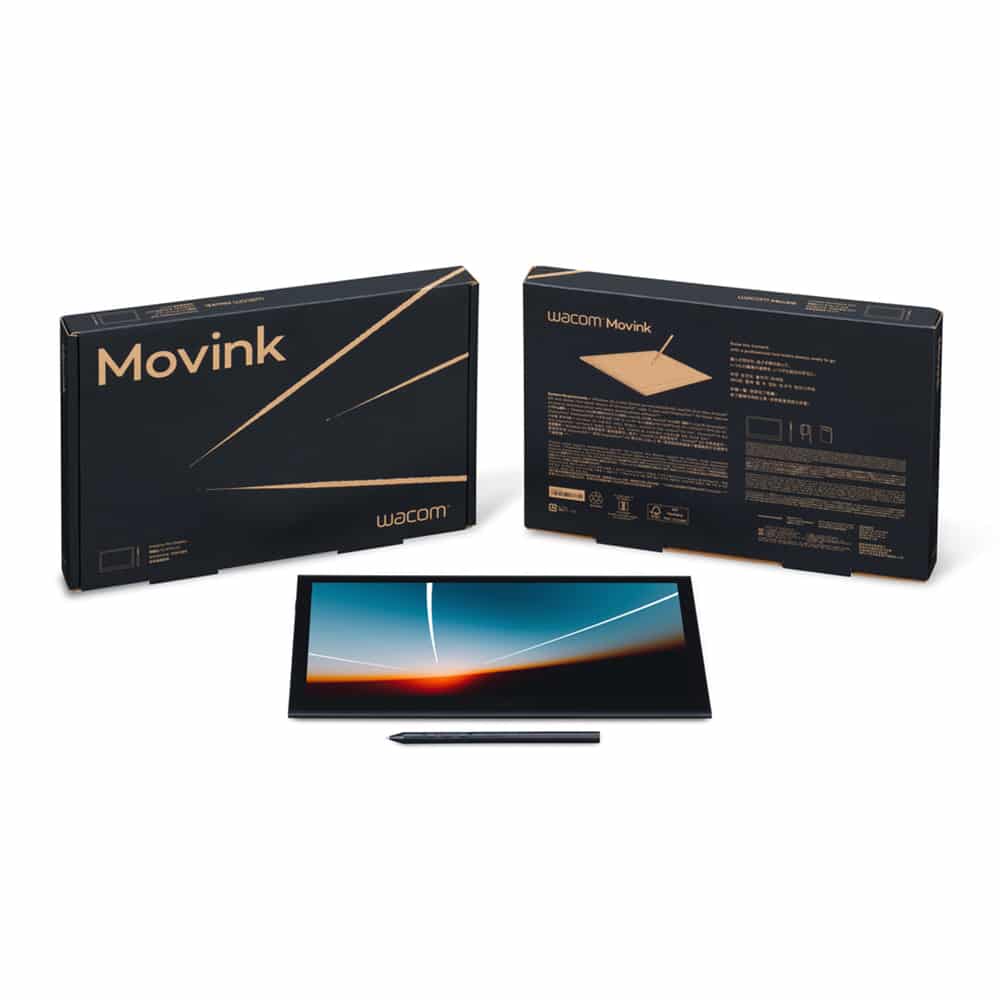
. 1 x Wacom Movink 13
. 1 x USB-C to C cable (1.0m)
. 1 x Wacom Pro Pen 3 with Nib holder
. 1 x Quick Start Guide
. 1 x Important Product Information document
. 3 x Replacement nibs (1 x Standard, 2 x Felt)
Warranty
1 Year
Door-to-Door Delivery
Orders will be delivered by Vertex or SF Express to industrial, commercial and residential addresses. Delivery areas: Hong Kong ONLY
FREE shipping on orders of HK$3,000 or above; HK$30 will be charged for orders below HK$3,000.
We will arrange shipment in 1-3 working day(s) upon receipt of payment. Please wait for our email/call.
Once the order is shipped out, the shipment will arrive at the shipping address in 1-2 working day(s).
* Deliveries may take longer during busy periods (for example, Christmas, Chinese New Year and Easter). There may also be situations, including but not exclusive to poor weather and traffic conditions, which result in a longer delivery.
* For more details on delivery, please visit FAQs.
Pickup – SF Store/Locker
FREE shipping on orders of HK$3,000 or above; HK$30 will be charged for orders below HK$3,000.
During checkout, please select SF Store/Locker as a pickup location, and specify code & address under “Order Notes”.
We will arrange shipment in 1-3 working day(s) upon receipt of payment.