

Explore All PDF Features in PDFelement
Master PDFs with powerful tools: edit, annotate, sign, merge, convert, fill forms, and more.
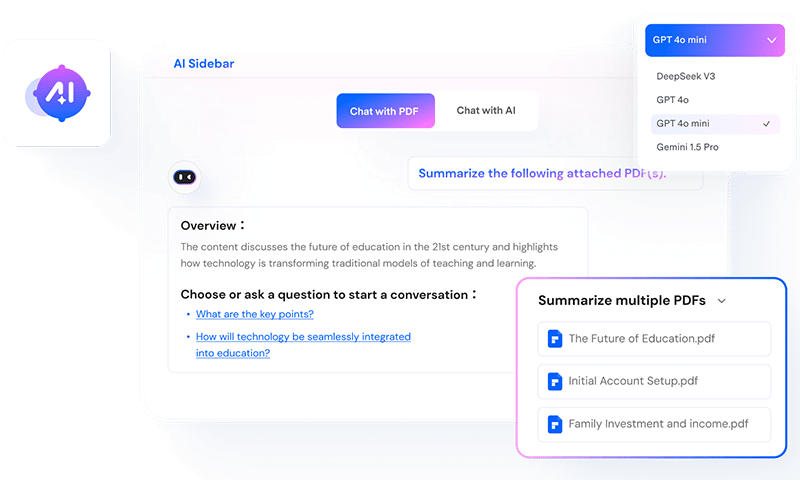
Handle PDF documents smarter with AI
Summarize Multiple PDFs – Quickly turn PDFs into concise notes, mind maps, or markdown summaries.
Translate PDFs Your Way – Choose Fast Translation for speed or Professional Translation for maximum accuracy.
Chat With Flexible AI Models – Transform your PDF tasks with top-notch AI – edit, analyze, and summarize smarter than ever.
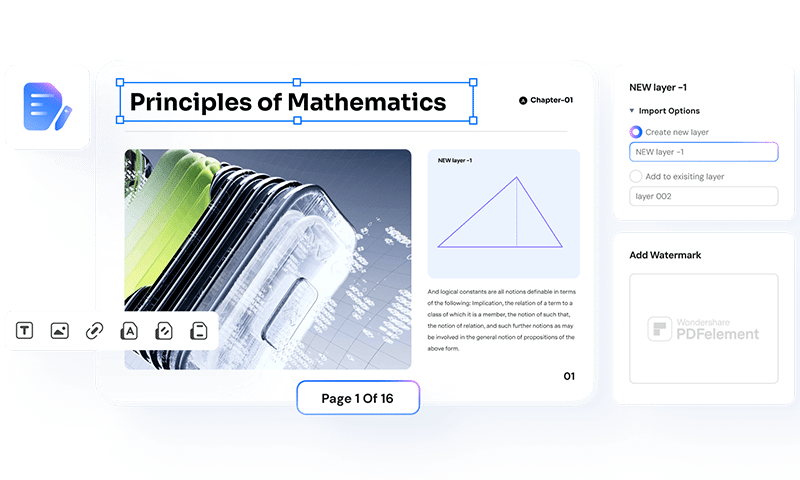
Edit PDFs like Word
Edit Text Seamlessly – Add or modify text, adjust sizes, colors, and fonts without affecting the layout.
AI Edit PDF Images – Add, replace, or adjust images in PDFs instantly with one-click AI tools.
Customize Your PDFs – Easily insert links, watermarks, shapes, audio, videos, Bates numbers, and more.
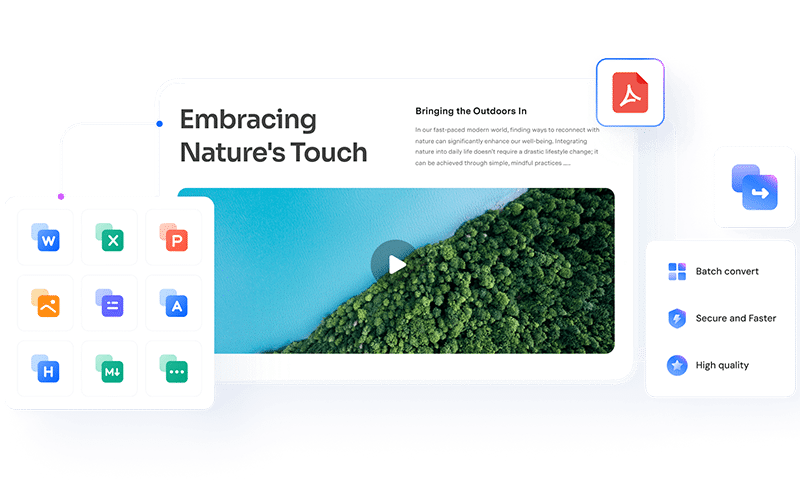
Convert files to and from PDF in high quality
Versatile Formats – Convert PDFs to Word, Excel, PNG, JPG, and more – or back to PDF.
Batch Conversion – Convert multiple files at once to save time and boost efficiency.
Flawless Results – Keep layouts and formatting intact for high-quality conversions every time.
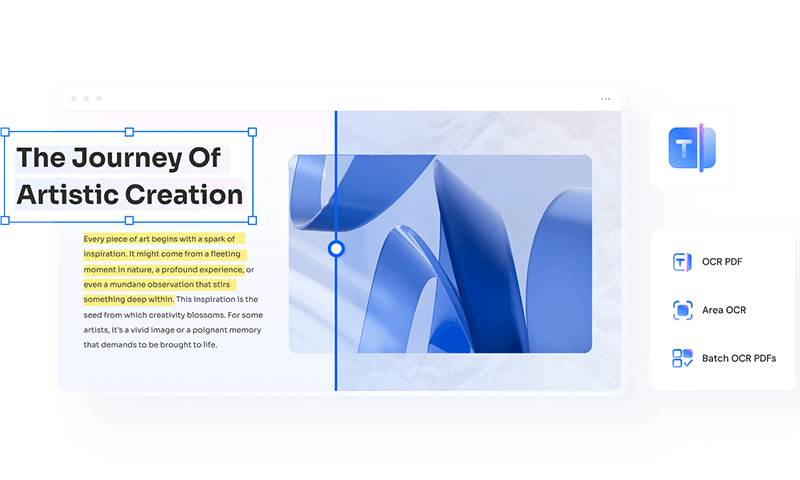
Recognize text in PDFs with OCR
Extract Text Easily – Recognize text from scanned PDFs and images with precision.
Multi-Language OCR – Convert PDFs to Word or editable/searchable PDFs in 26 languages, including right-to-left scripts.
Batch OCR – Process multiple PDFs or scanned images into text within seconds.
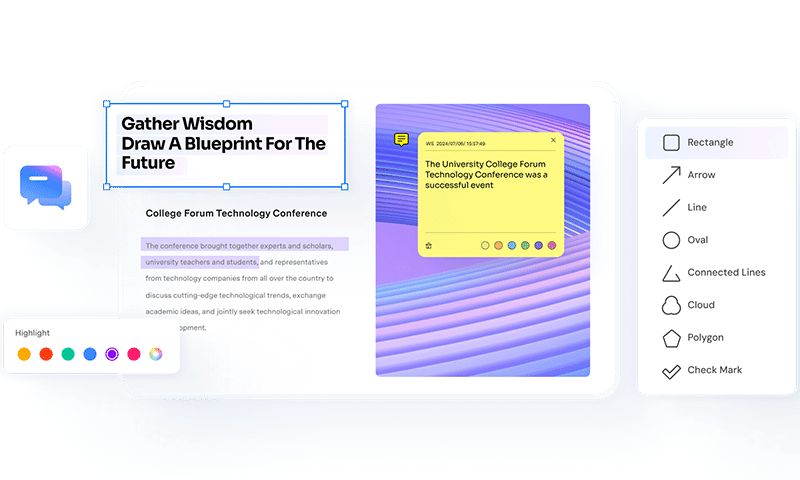
Annotate PDFs smarter and faster
100+ Shapes, Stamps, and Stickers – Browse sticker libraries by categories; adjust colors, sizes, and thickness to fit your project or brand style.
Measure Distance, Area, and Perimeter – Instant measurements, circle tools, totals made simple.
Colorful Comments, Highlights, and Markups – Add notes in custom designs and mark feedback with statuses, pinpoint exact content with clear callouts directly in the PDF.
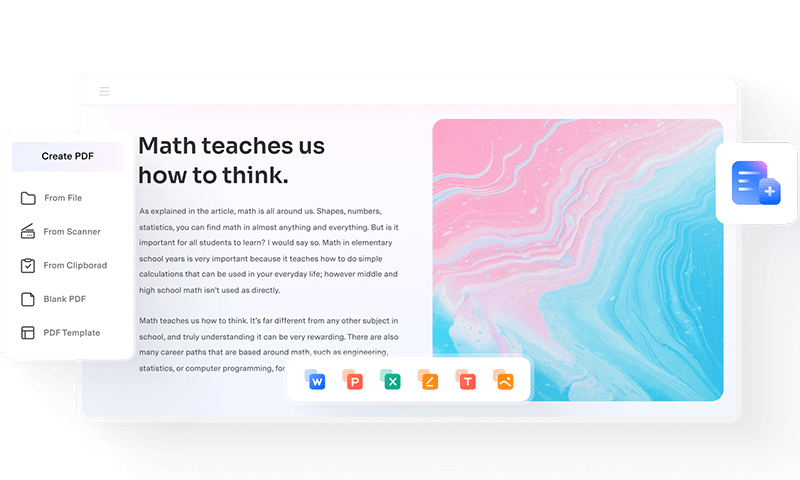
Create PDF from any file
From Files and Links – Turn Word documents, images, webpages, and more into high-quality PDFs.
Batch PDF Creation – Generate multiple PDFs from different file types in one go.
Scan to PDF – Scan documents, deskew, and produce clear PDFs instantly.
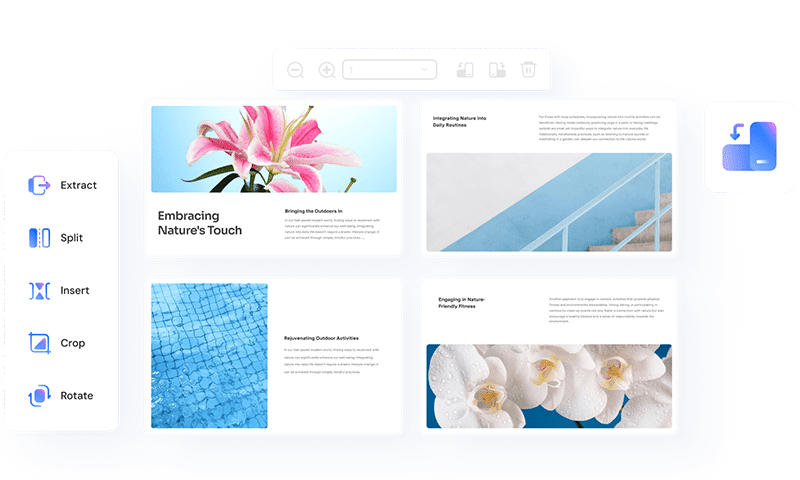
Organize and compress PDFs with ease
Crop & Remove Blank Pages – Manage pages efficiently with single or bulk actions.
Split, Rotate, Reorder & More – Create clean, well-structured layouts effortlessly.
Smart Compression – Reduce file size with advanced DPI and element settings, supporting bulk processing.
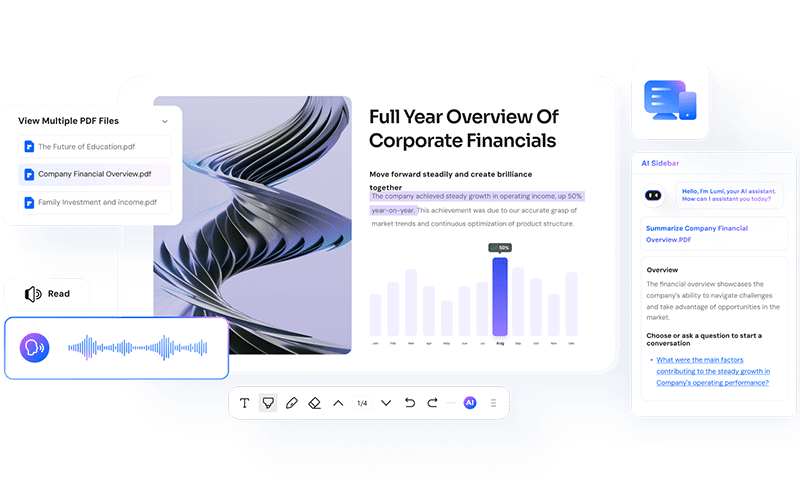
Read PDFs seamlessly with AI
AI Reading Tools – Instantly get explanations, summaries, translations, auto-bookmarks, and more, while enjoying an immersive reading experience.
Read Aloud – Listen to your PDFs with customizable settings, perfect for multitasking on the go.
Markup as You Read – Highlight, underline, add notes, and insert text comments without interrupting your reading flow.
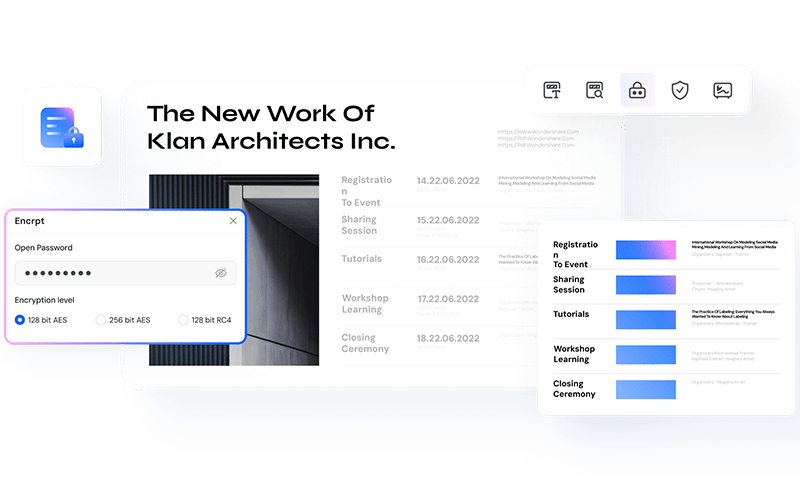
Protect your PDFs and sensitive information
Encrypt PDFs Securely – Add passwords to prevent viewing, printing, or editing without authorization.
Smart PDF Redaction – Auto-detect and redact sensitive data instantly, or manually redact selected areas and bulk-searched text to permanently remove the content.
Sign & Watermark PDFs – Easily add signatures and watermarks for authenticity and branding.
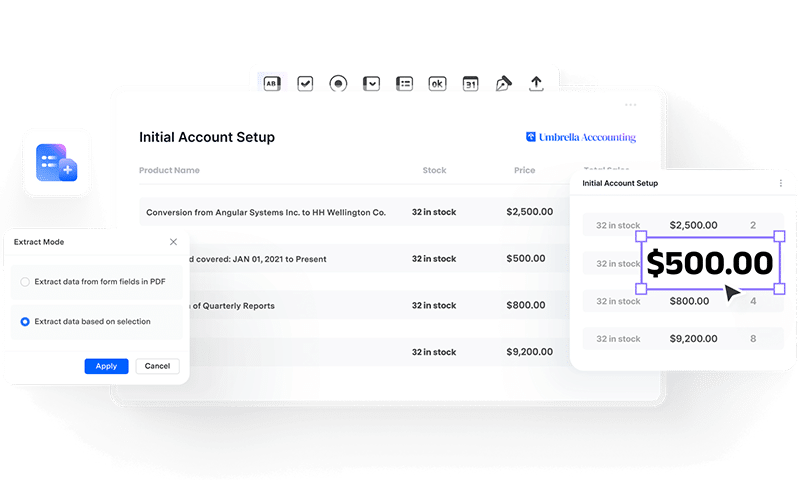
Create, fill, and manage PDF forms efficiently
Smart Form Recognition & Filling – Detect fields and auto-fill them by importing data for faster entry.
Create Fillable PDFs – Add text boxes, checkboxes, dropdowns, signatures, and image fields with ease.
Bulk Data Extraction – Recognize and extract data from one or multiple PDF forms at once.

Summarize PDF
Chat with PDF
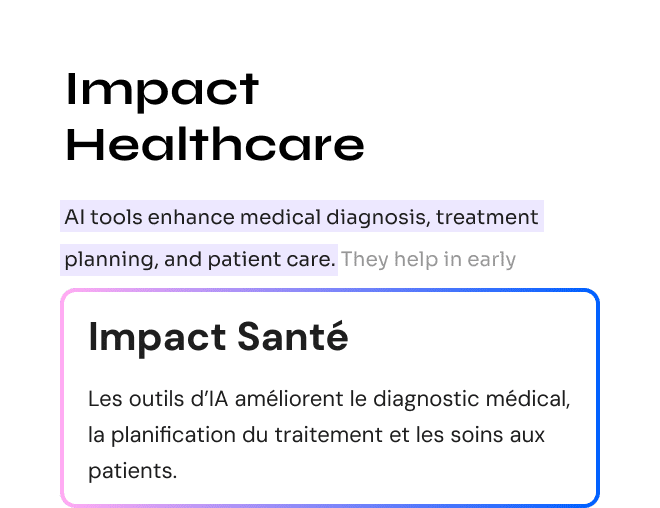
Translate PDF
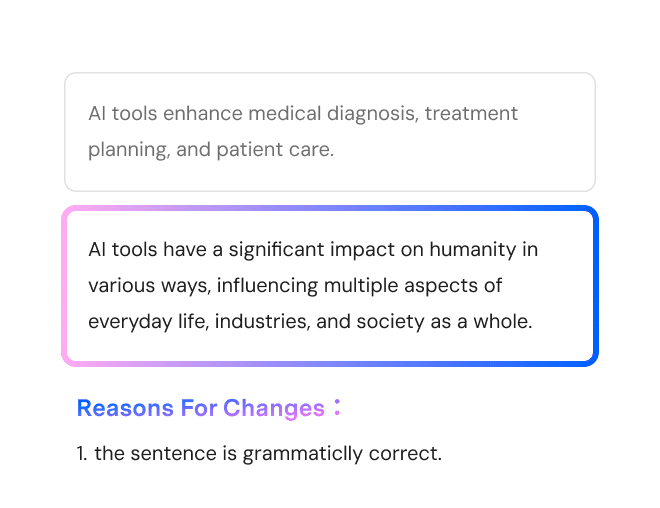
PDF Grammar Check
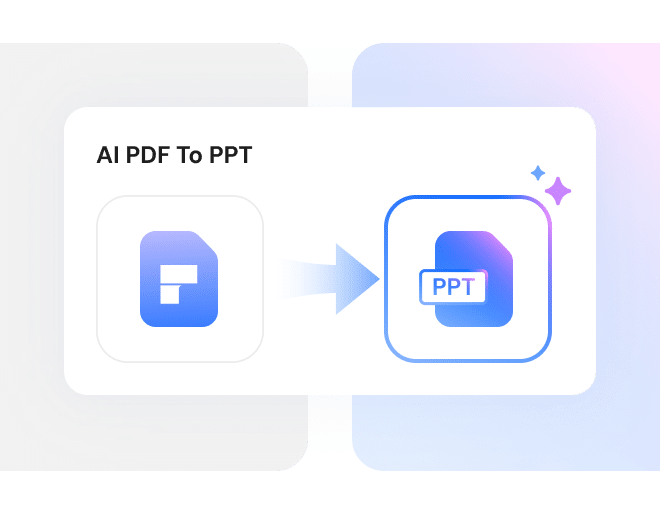
AI PDF to PPT
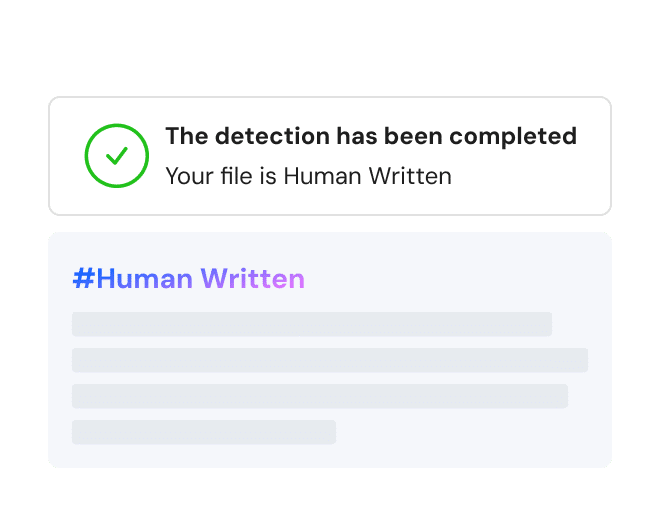
AI Content Detector
AI Image Generator
Chat with Doc
Chat with Image
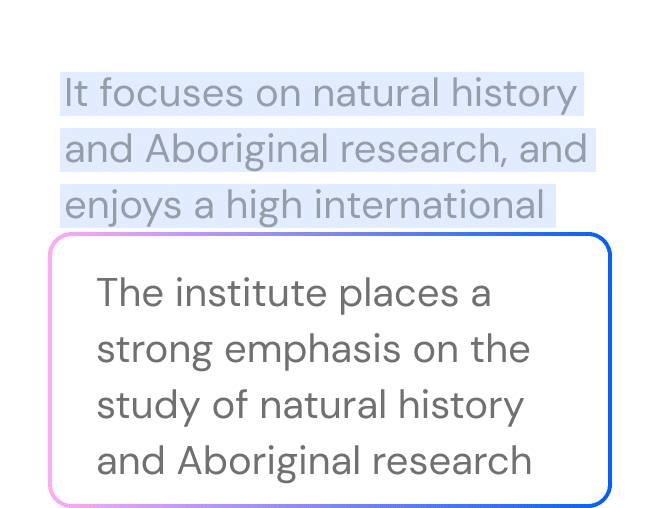
Rewrite PDF
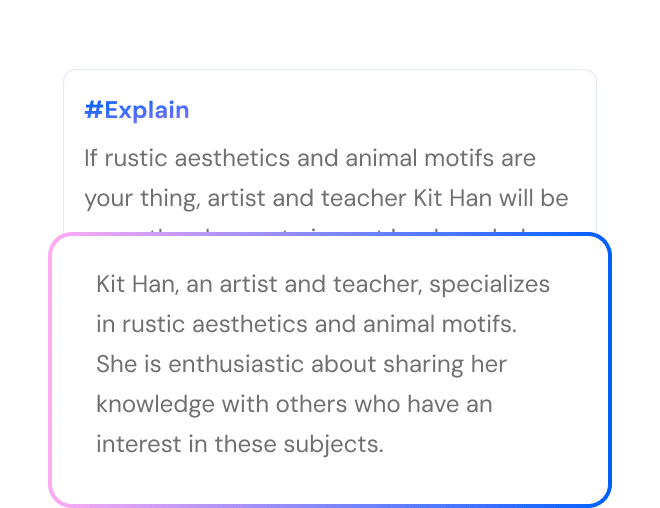
Explain PDF
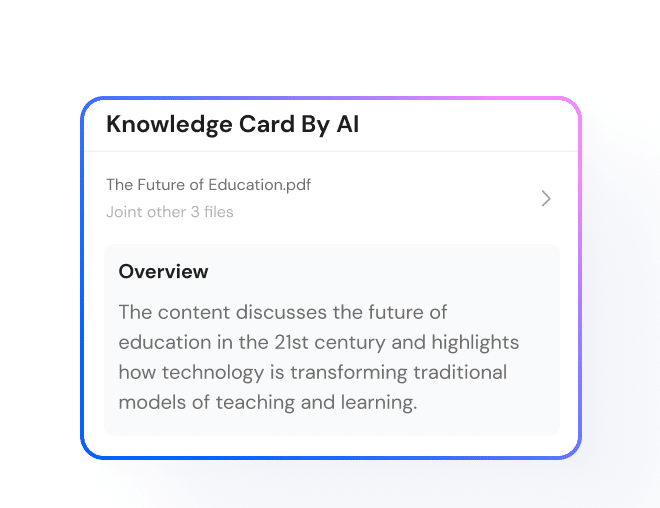
AI Knowledge Card
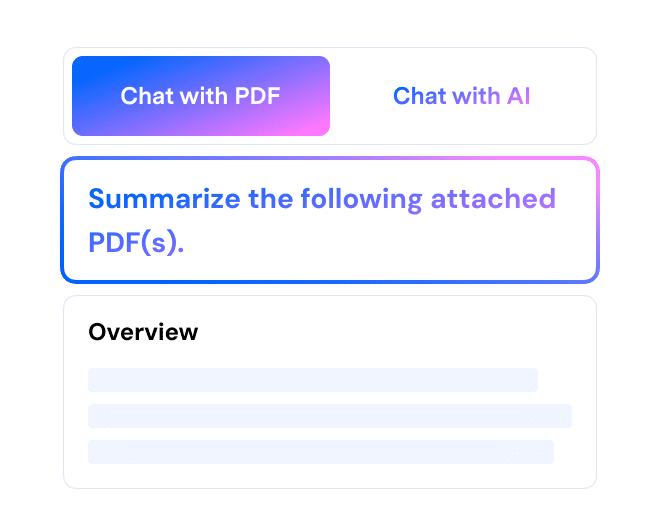
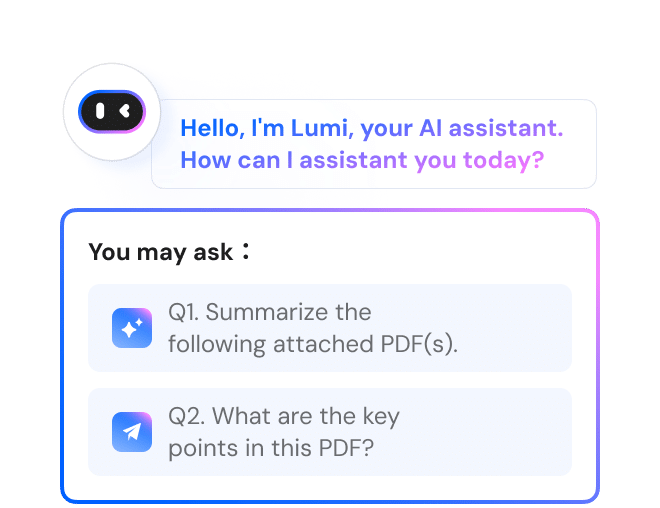
Summarize PDF
Chat with PDF
Translate PDF
PDF Grammar Check
AI PDF to PPT
AI Content Detector
AI Image Generator
Chat with Doc
Chat with Image
Rewrite PDF
Explain PDF
AI Knowledge Card
Digitize your document workflows with PDFelement
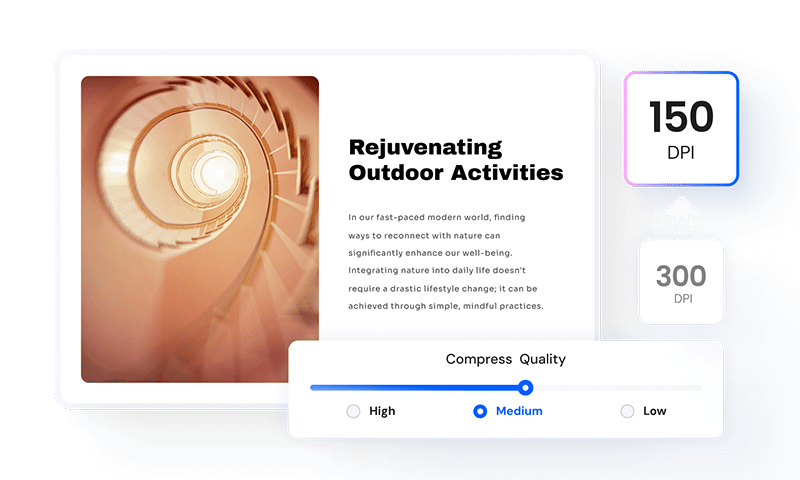
Shrink PDFs, Keep Quality
Reduce the PDF file size to a smaller MB or KB without losing quality – even in bulk.
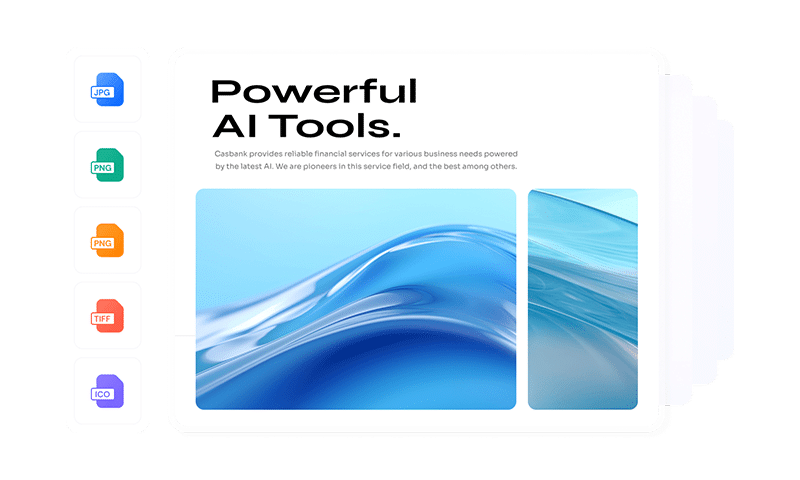
Batch Process PDFs
Convert, create, compress, edit, encrypt, extract data, and print multiple PDF files at once.
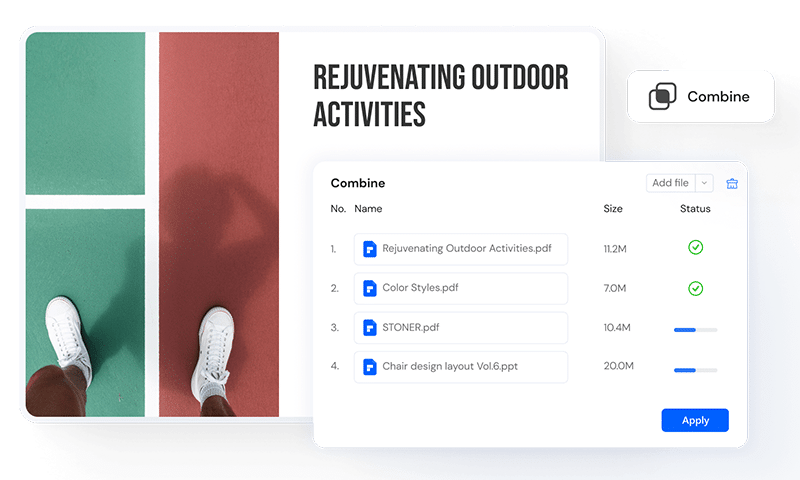
Merge PDFs in Seconds
Combine PDFs, images, and files into one document effortlessly.
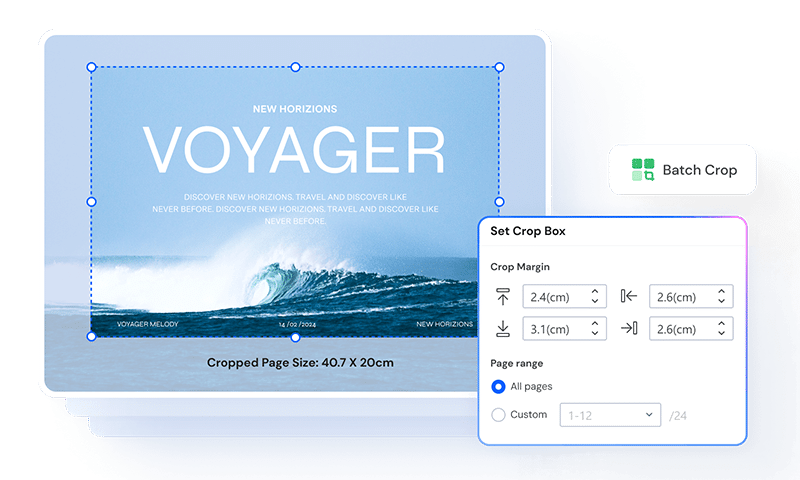
Crop PDFs Perfectly
Adjust CropBox, TrimBox, BleedBox, and ArtBox for precise, professional results.
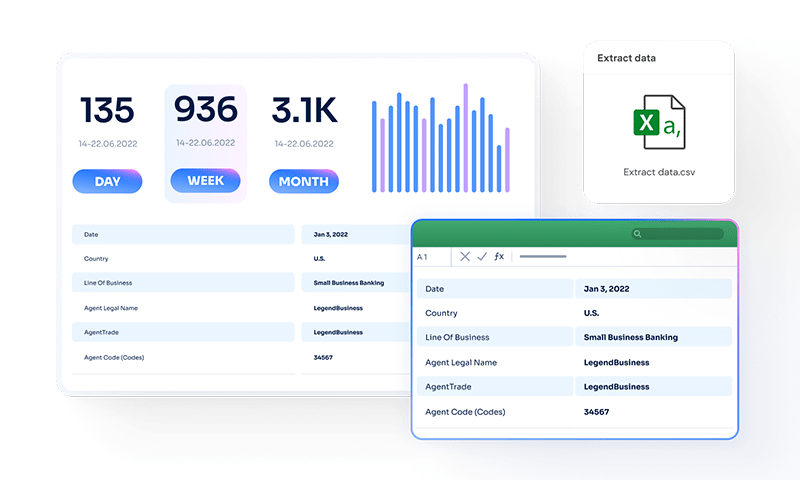
Extract Data from PDF Hassle-Free
Pull out pages, images, text, or tables from PDFs in seconds.
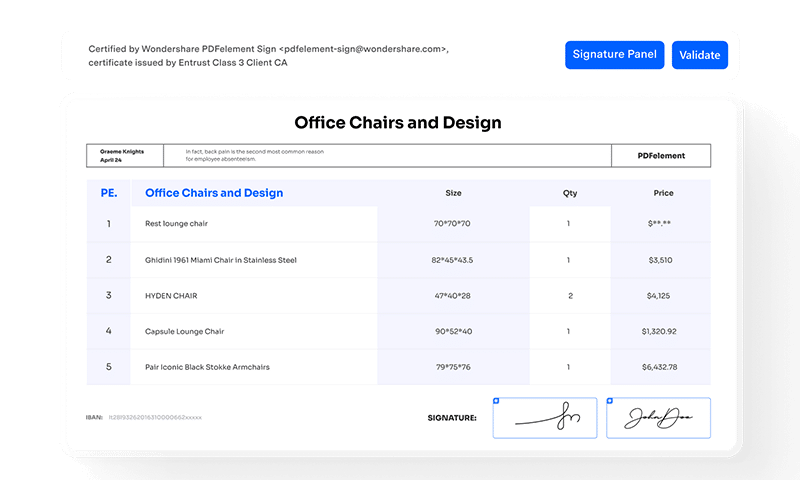
eSign PDFs Anywhere
Fill, sign, and send PDFs securely from any device, anytime, anywhere.
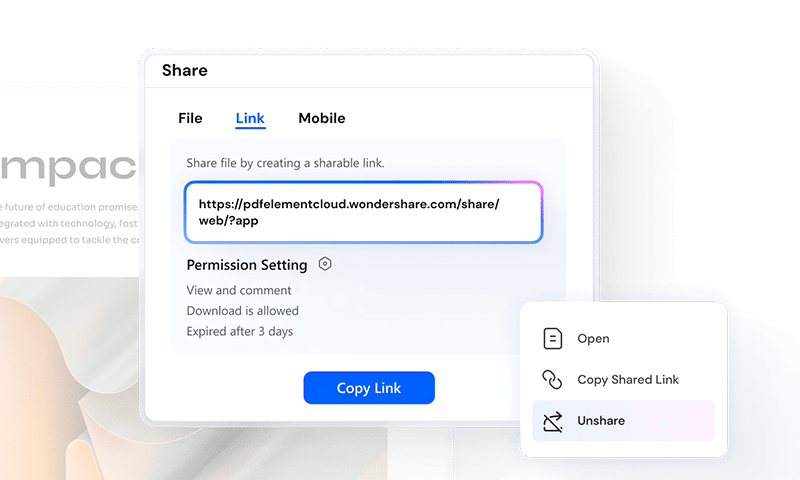
Share PDFs the Easy Way
Send PDFs via email, QR codes, or links for quick sharing.
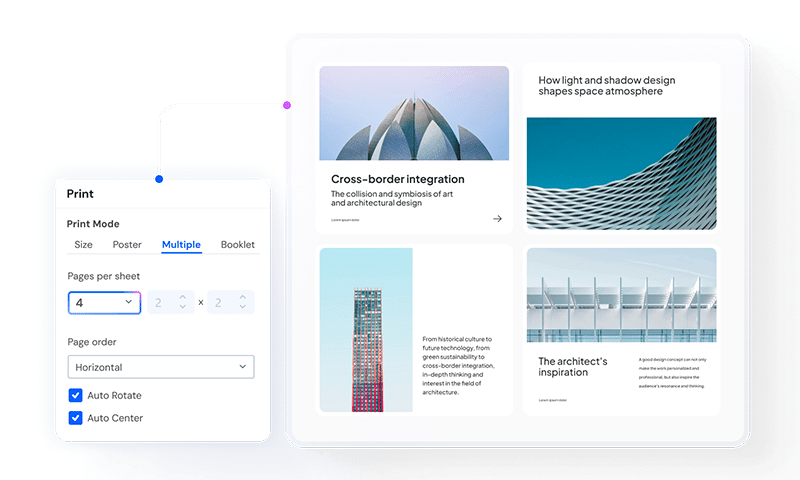
Print PDFs Freely in Multiple Modes
Print double-sided, multiple pages, or with comments in batches – effortlessly and free.
Buy PDFelement




FAQs
Get in Touch with Us
If you have any inquiries about our products or services, please do not hesitate to call, submit a form or email us.